
First stop ‘The Z-axis”…
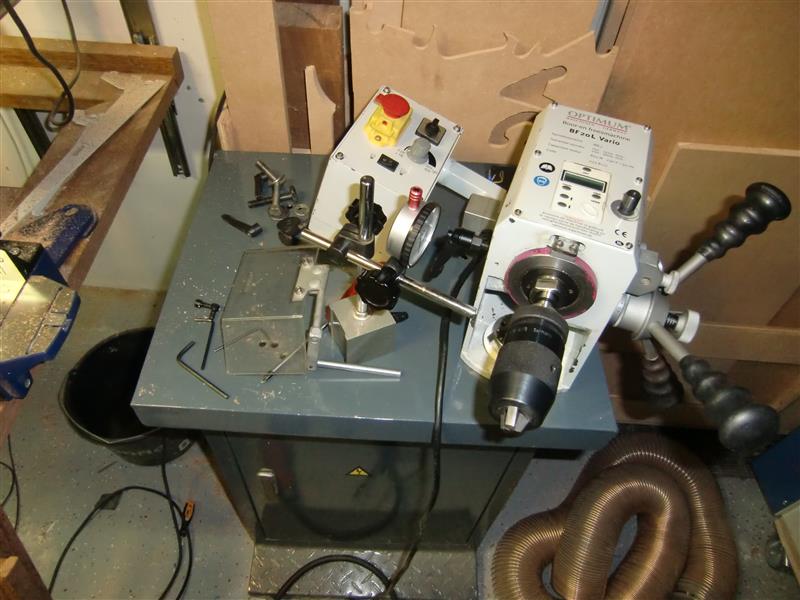
We bought a Optimum BF20 L as a conventional machine that needs to be converted to CNC.
There are a lot of options of driving the lead screws of all these axis.
Some say ‘Take of the hand-wheels and place some motors on them” (not our approach).
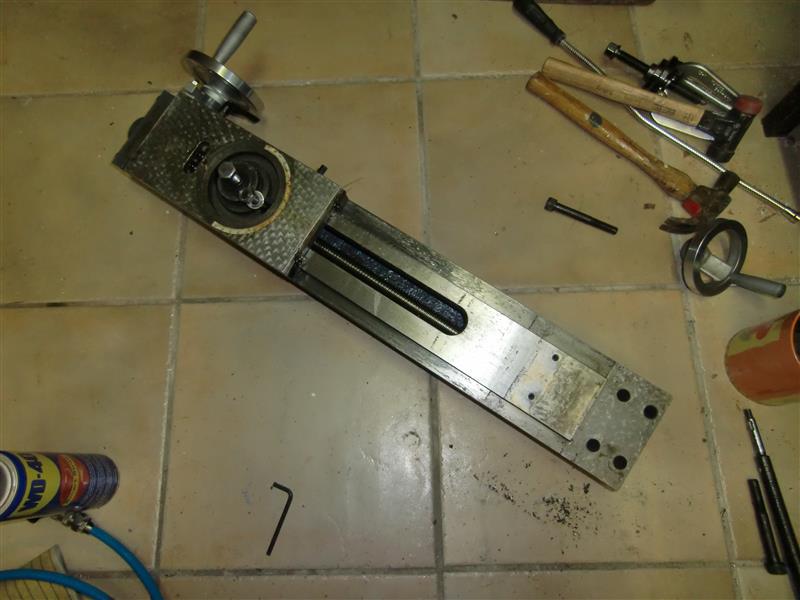
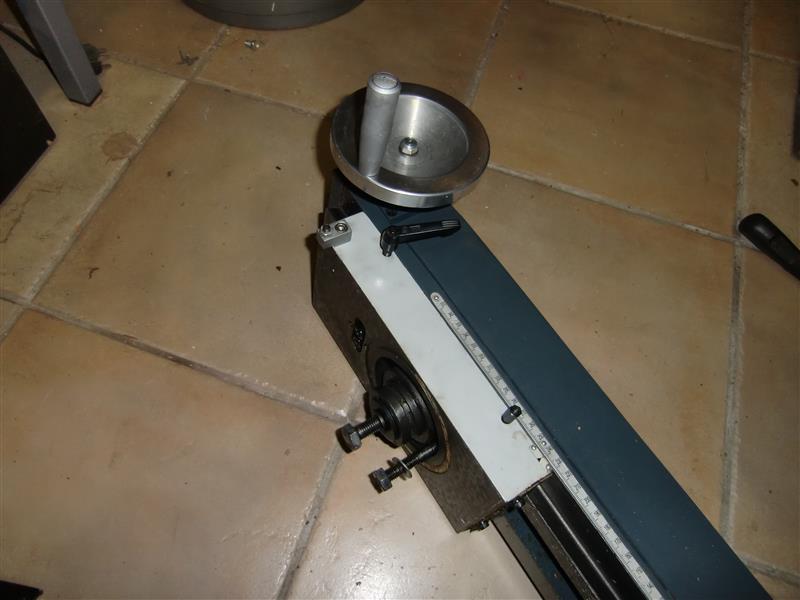
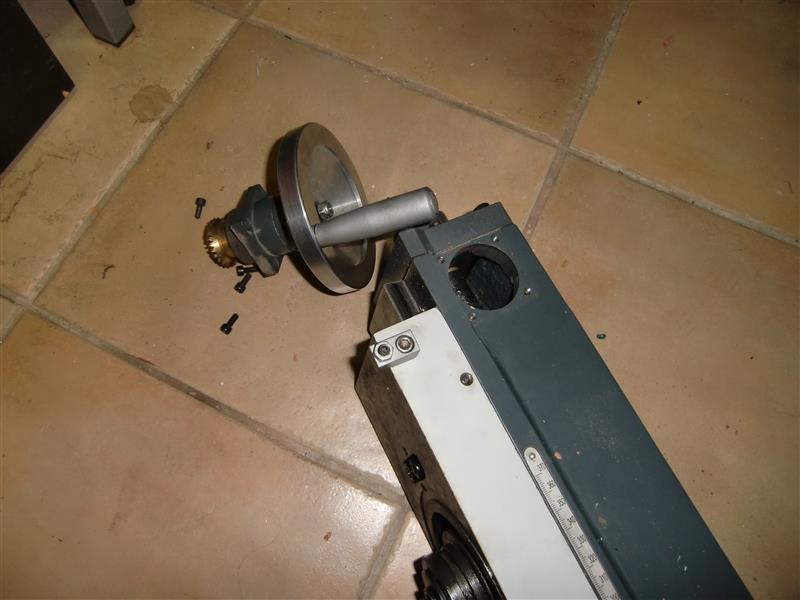
First we need to disassemble the Z-axis by completely taking the thing apart.
TIP: Making pictures of each step can help you later on.
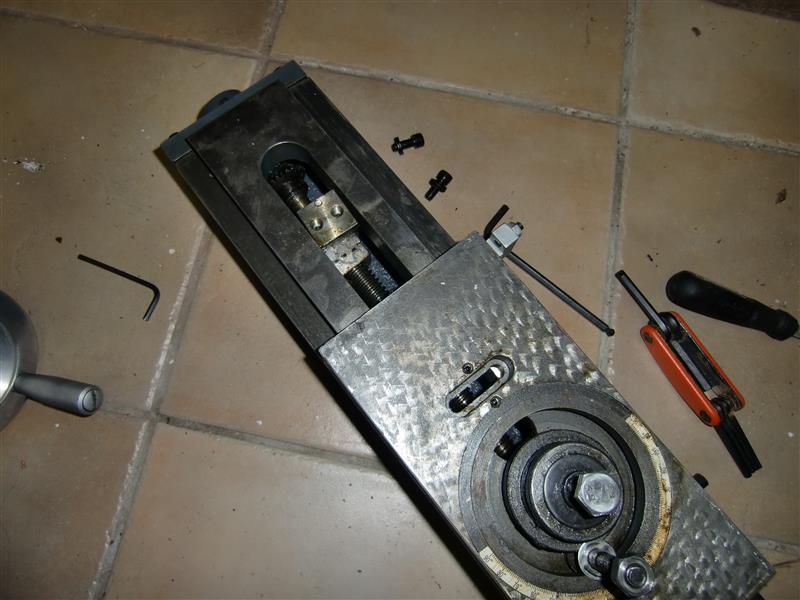
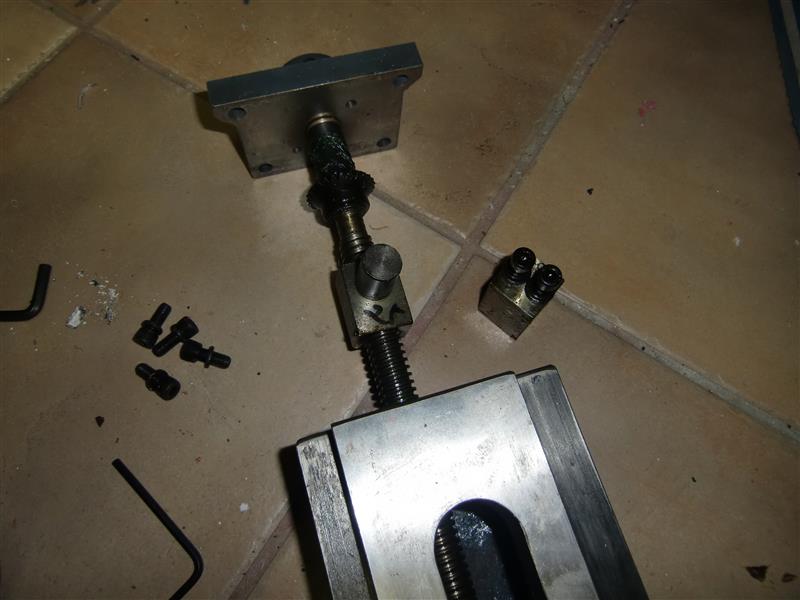
Now its time to start measuring and drawing everything in a CAD program.
Making machines or converting them starts out with drawings..
On the left we see an overview of what the Z-axis will become.
The blue parts in the middle are the parts we have to make for this axis.
All parts that are not blue can be purchased.
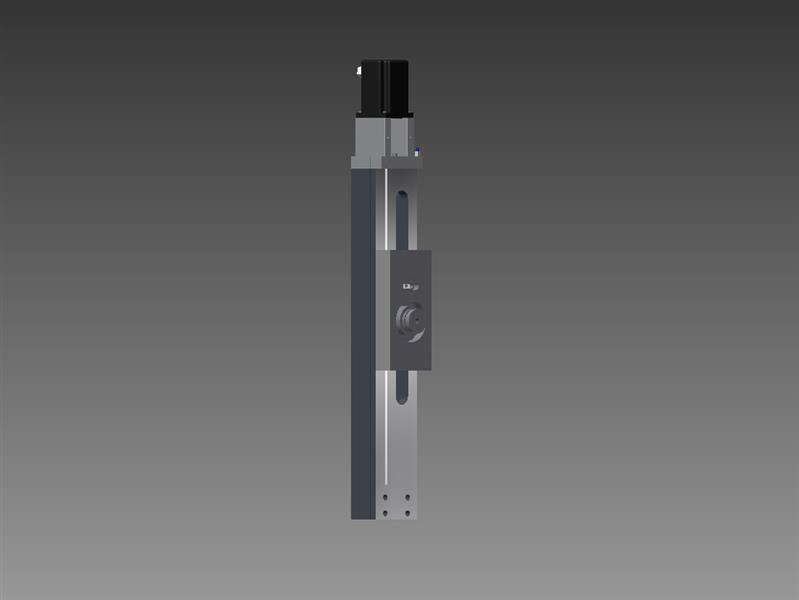
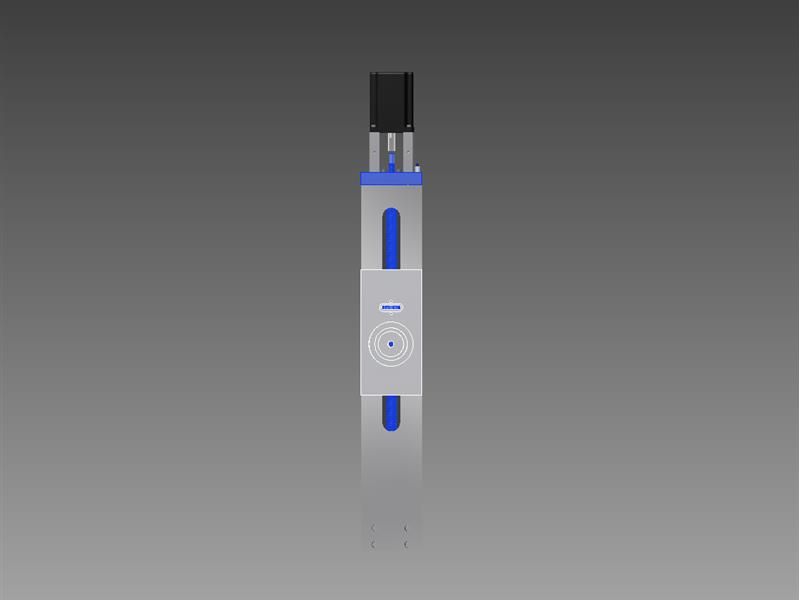
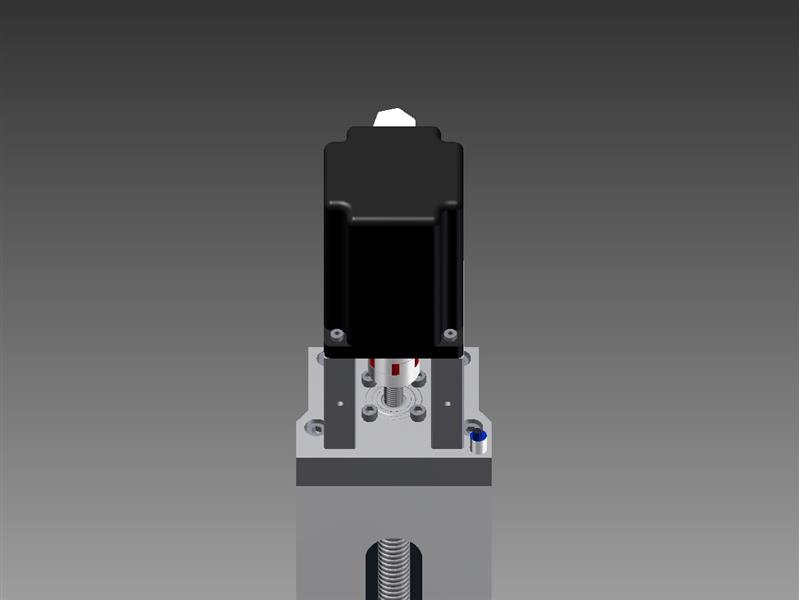
Looking at the right picture above I have used:
One Nema 34 4.0Nm Stepper motor: DCNC-IP54-4.0NM
One Zero Backlash Shaft Coupler DCNC-D32-L32
Two Nema 34 Stepper Mounts Nema34Mount
One 3202/5202-2RS 15x35x15.9 (Double row angular contact bearing)
One Inductive Switch Shielded 12NOC2A-S NPN
And a hand full of bolts… 😉
So thats the easy part… buying stuff…
The stepper motor drives the leadscrew through the zero backlash coupler.
I have chosen not to use the original one, but a RM2005 (found on Ebay : Linearmotionbearings2008)
This guy (Chai) can also machine the ends for you.
So Order the following :
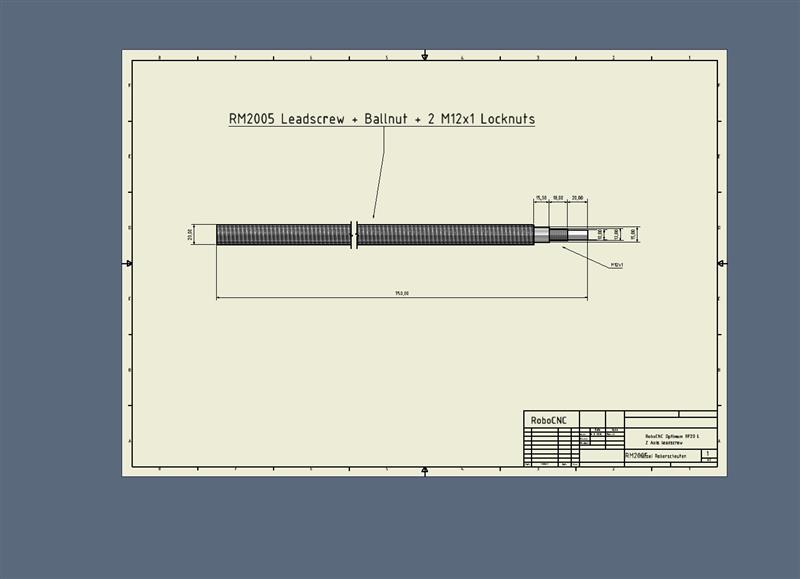
PDF Drawing : RM2005
Now its time for some actual machining.
Lets call the top part (Isolated in the left bottom image) the Bearinghouse.
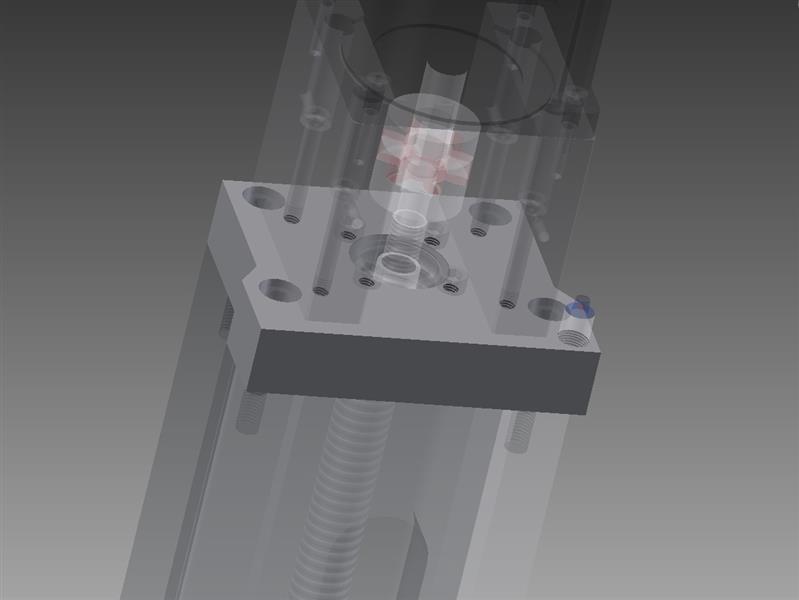
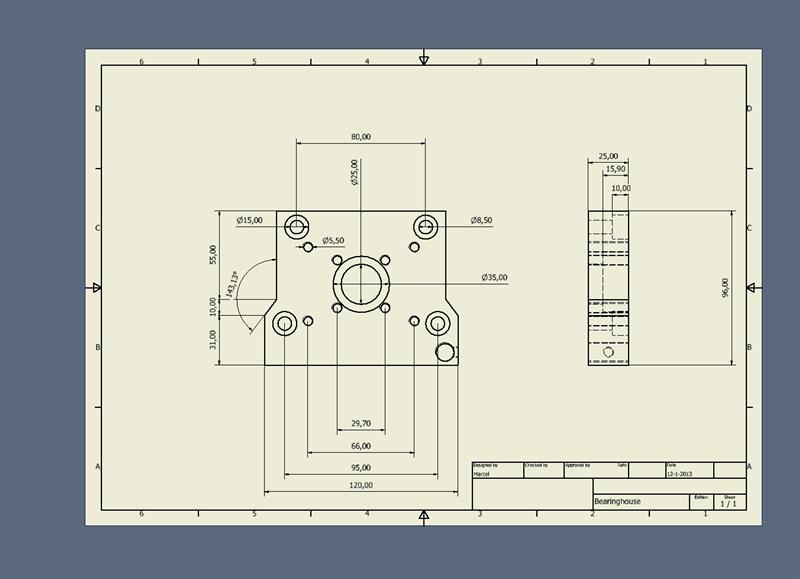
Drawings : Z-axis
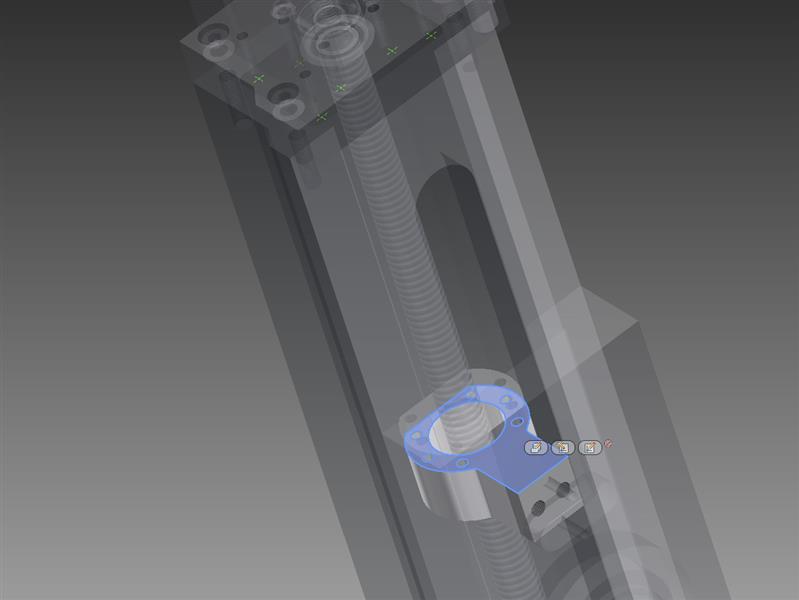
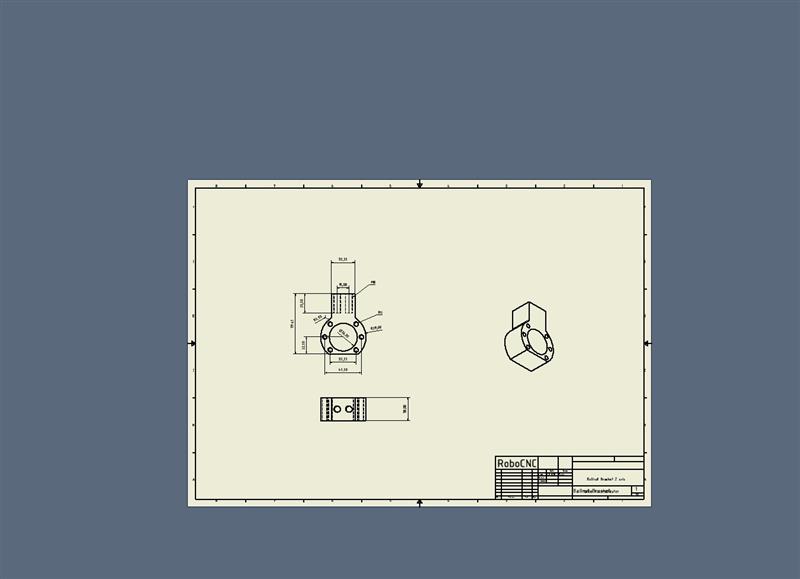
The linear movement from the ballnut is transferred to the carriage through a bracket.
For now I’ll call this the ballnut bracket and can be found beneath.
Drawings : Z-axis2

Milling and powder coating the parts :
[youtube]https://www.youtube.com/watch?v=k0isVgtS5AI[/youtube]
Assembly of the Optimum BF20L Z-axis :
[youtube]https://www.youtube.com/watch?v=Qmy5u_dLYHE[/youtube]